Quick Unwrap
A downloadable Blender Addon
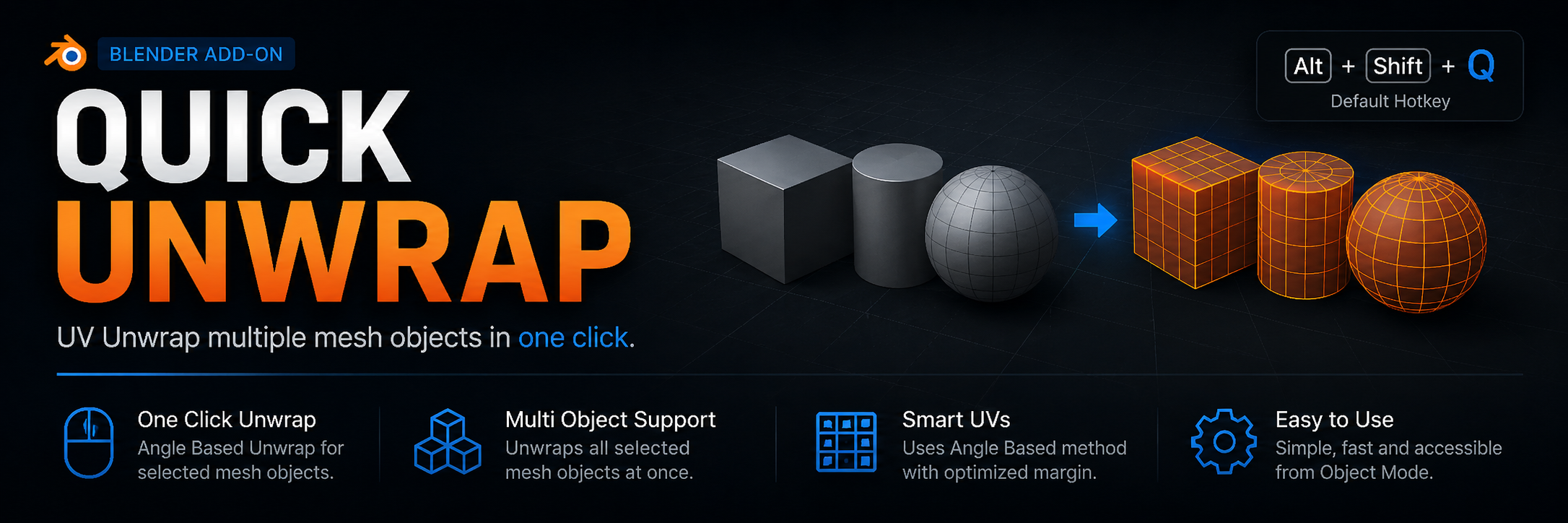
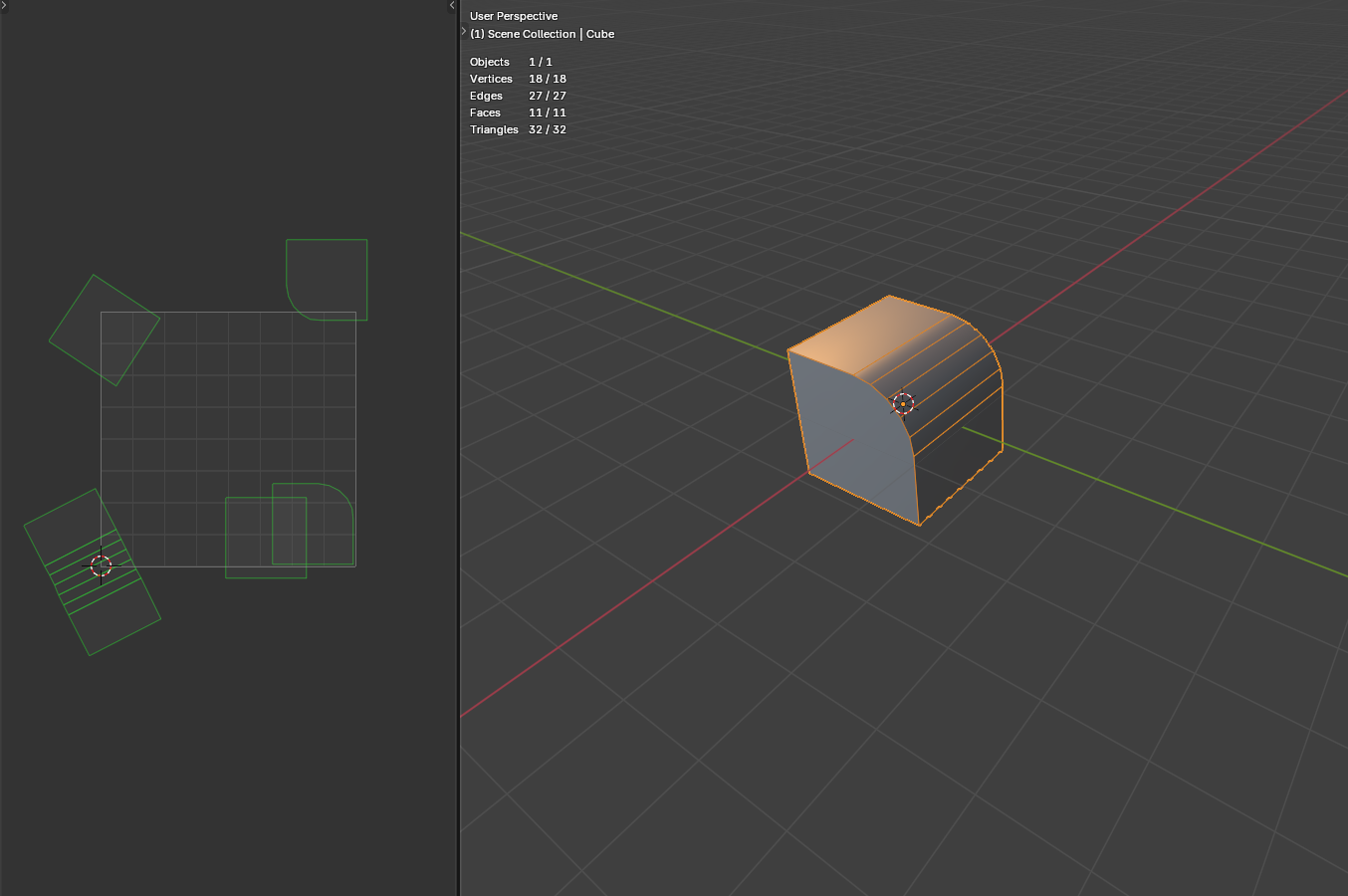
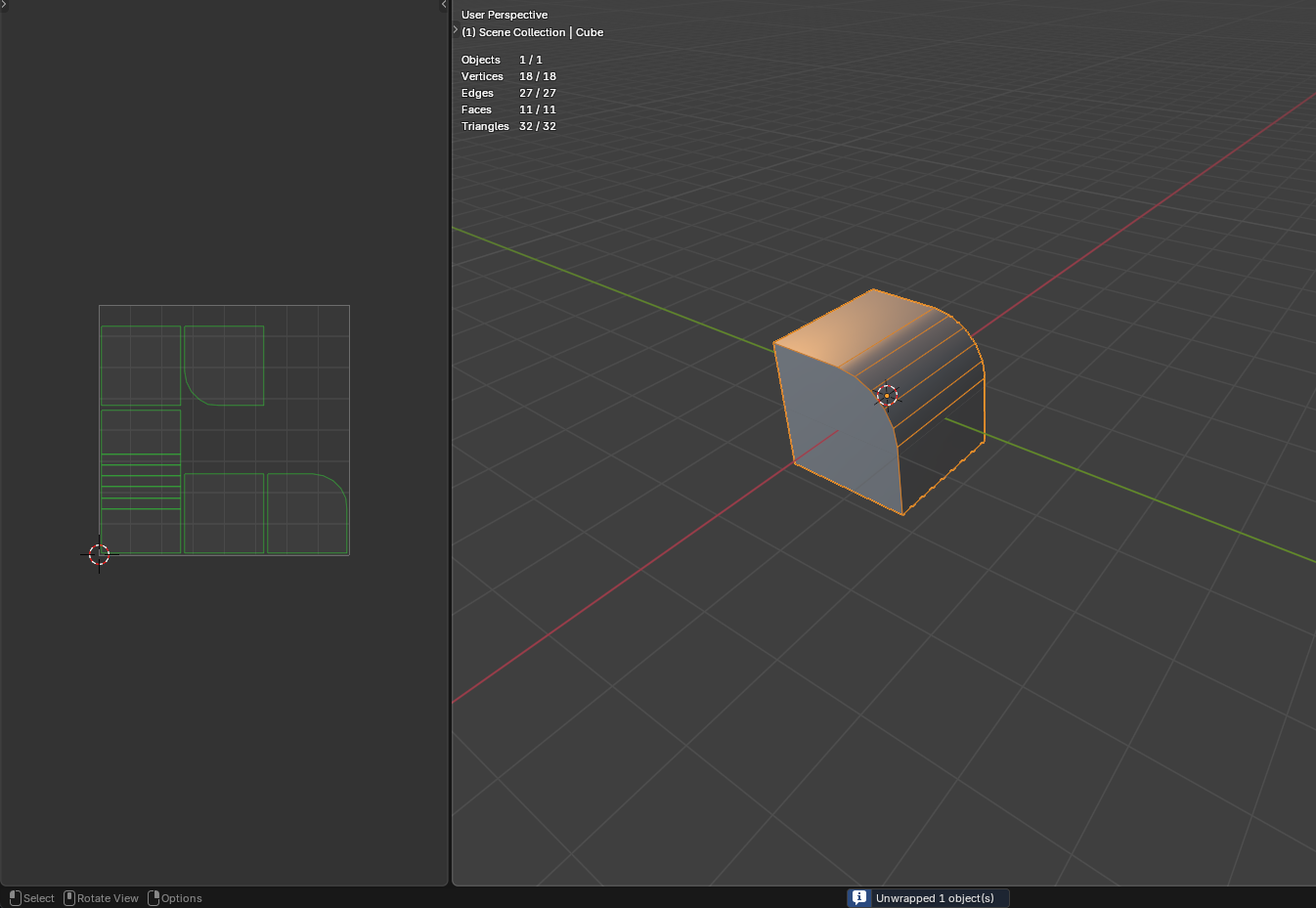
Quick Unwrap is a very simple add-on for Blender that allows you to quickly unwrap objects while in Object Mode. You no longer need to enter Edit Mode to simply unwrap an object.
Pressing the hotkey opens a small on-screen HUD. From there you scroll the mouse wheel to pick the unwrap method - Angle Based, Conformal, or Minimum Stretch - and see the result applied live on your object as you scroll. Press LMB, Enter, or Space to confirm, or RMB / Esc to cancel and return the UVs to exactly how they were before you opened the HUD.
Key features:
- Unwraps all selected mesh objects in a single action.
- Choose between three unwrap methods (Angle Based, Conformal, Minimum Stretch) right from the HUD, with a live preview as you scroll.
- Cancel at any point to fully restore the UVs to their pre-operator state.
- Supports multi-selection – processes each object sequentially.
- Accessible via the Object → Angle Based Unwrap menu in the 3D Viewport.
- Global shortcut Shift+Alt+Q in Object Mode to open the HUD.
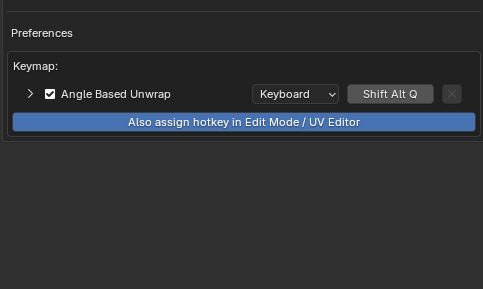
- Add-on preferences display the current keymap binding for reference.
How to use:
- Select one or more mesh objects in your scene.
- Choose Object → Angle Based Unwrap from the 3D Viewport menu, or press Shift+Alt+Q.
- Scroll the mouse wheel to switch between unwrap methods and preview the result.
- Press LMB, Enter, or Space to confirm, or RMB / Esc to cancel and revert.
- A notification confirms how many objects were unwrapped, or that the unwrap was cancelled.
- For deeper integration of this keyboard shortcut, you can click the button in the addon settings to automatically assign the same combination in both edit mode and the UV window.
Requirements:
- Blender 4.5 or newer.
━━━━━━━━━━━━━━━━━━━━━━━━━━━━━━━━
Quick Unwrap – очень простое дополнение для Blender, позволяющие производить быструю развёртку находясь в Object Mode. Больше не нужно заходить в режим редактирования, чтобы просто развернуть объект.
При нажатии горячей клавиши на экране появляется небольшой HUD. Прокручивая колесо мыши, вы выбираете метод развёртки - Angle Based, Conformal или Minimum Stretch - и сразу видите результат на объекте прямо во время прокрутки. Нажмите ЛКМ, Enter или Space, чтобы подтвердить выбор, либо ПКМ / Esc, чтобы отменить и вернуть UV точно в то состояние, в котором они были до открытия HUD.
Основные возможности:
- Развёртка всех выбранных мешей за один шаг.
- Выбор одного из трёх методов развёртки (Angle Based, Conformal, Minimum Stretch) прямо из HUD с живым предпросмотром во время прокрутки.
- Отмена в любой момент полностью возвращает UV к состоянию до вызова аддона.
- Работа с множественным выделением – аддон последовательно обрабатывает каждый объект.
- Доступ через меню Object → Angle Based Unwrap в 3D-виде.
- Глобальная горячая клавиша Shift+Alt+Q в режиме Object Mode для открытия HUD.
- В настройках дополнения отображается текущая привязка клавиш для справки.
Как использовать:
- Выделите один или несколько мешей в сцене.
- Нажмите Shift+Alt+Q.
- Прокручивайте колесо мыши, чтобы переключать методы развёртки и видеть предпросмотр.
- Нажмите ЛКМ, Enter или Space для подтверждения, либо ПКМ / Esc для отмены и возврата к исходному состоянию.
- Уведомление сообщит, сколько объектов было развёрнуто, либо что развёртка была отменена.
- Для более глубокой интеграции данного сочетания клавиш вы можете нажать на кнопку в настройках аддона, чтобы автоматически присвоить такую же комбинацию и в режиме редактирования и в окне UV.
Требования:
- Blender версии 4.5 или новее.
Download
Install instructions
- Download .py file addon
- In Blender, go to Preferences → Add-ons → Install… and select the file.
- Enable Addon by ticking the checkbox.
━━━━━━━━━━━━━━━━━━━━━━━━━━━━━━━━
- Скачайте .py файл с аддоном
- В Blender перейдите в Preferences → Add-ons → Install…, выберите файл.
- Включите аддон, поставив галочку
Development log
- Update 1.69 hours ago
Leave a comment
Log in with itch.io to leave a comment.