Quick Seams
A downloadable Blender Addon
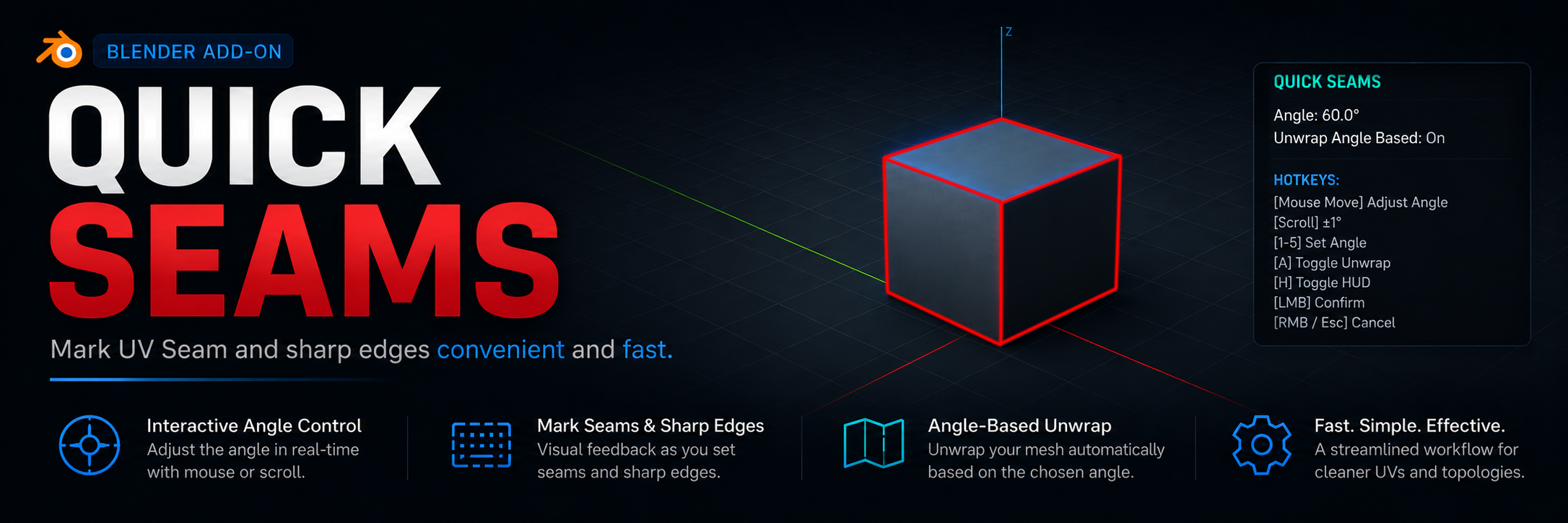
Quick Seams is an interactive tool for quickly placing UV seams and sharp edges in Blender. The add-on lets you adjust the angle threshold in real time and see the results instantly—without switching modes or clicking through menus.
Features
- Live preview — seams and sharp edges update on the fly as you adjust the angle, directly in the 3D viewport.
- Intuitive controls — change the angle by moving your mouse left/right or pressing number keys, and switch the unwrap method with the scroll wheel.
- Auto-unwrap — after confirmation, the add-on can perform a UV unwrap using a selectable method (Angle Based, Conformal, or Minimum Stretch).
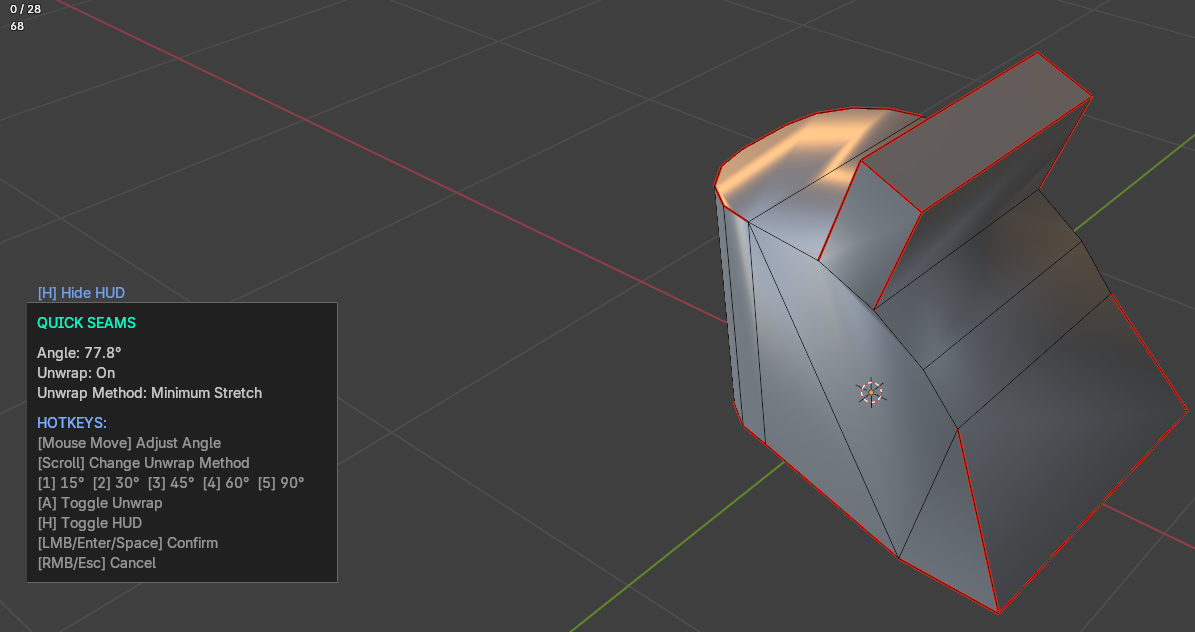
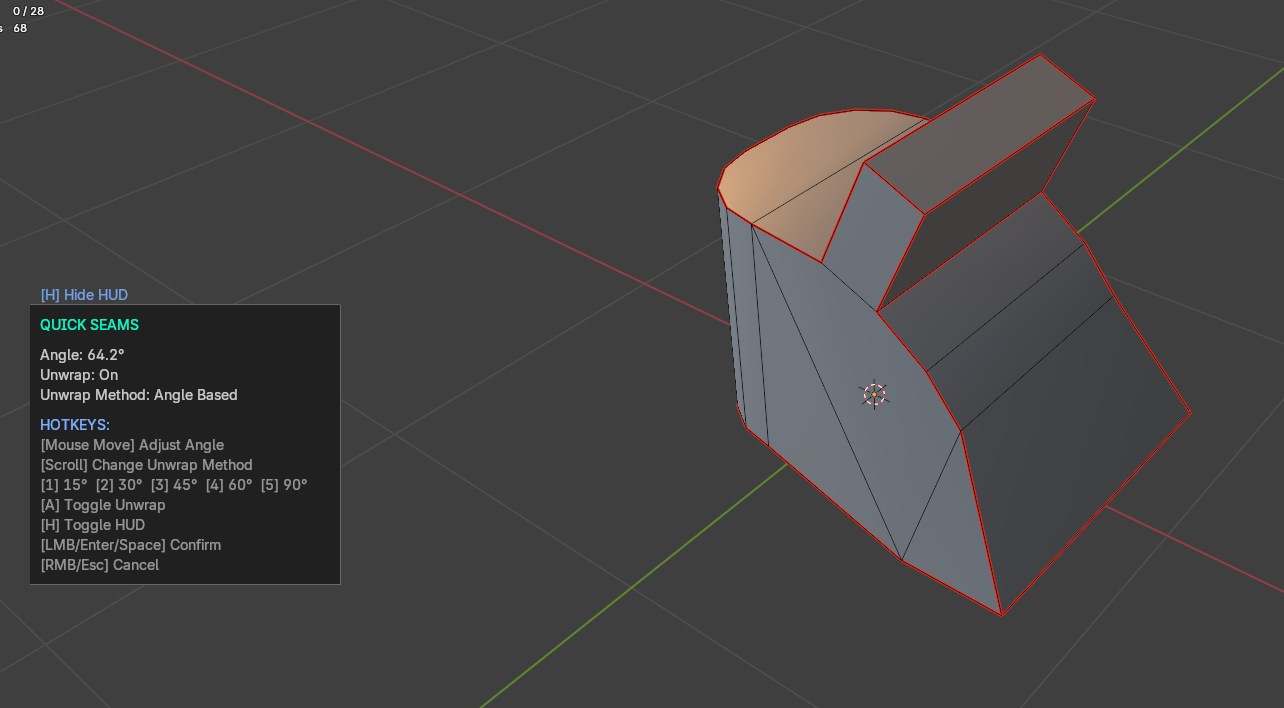
- On-screen HUD — all the important info (angle, toggles, hotkeys) is displayed right in the viewport; press H to show/hide it.
- Instant revert — cancellation removes all temporary seams and sharp edges, restoring the mesh to its previous state.
Hotkeys during operation
- Mouse Move — adjust the angle
- Scroll — switch unwrap method (Angle Based / Conformal / Minimum Stretch)
- 1–5 — set angle to 15°, 30°, 45°, 60°, 90° respectively
- A — toggle auto-unwrap on/off
- H — toggle HUD on/off
- LMB / Enter / Space — apply changes and run unwrap (if enabled)
- RMB / Esc — cancel and revert
How to use
- Select a mesh object in Object Mode.
- Use the shortcut.
- Move your mouse to find the best angle — seams and sharp edges update in real time.
- Adjust additional options (auto-unwrap) with hotkeys.
- Confirm with left mouse button, Enter, or Space. The add-on will apply seams and (optionally) perform the UV unwrap.
- Cancel with right mouse button or Esc to revert everything.
Requirements
- Blender 4.5.0 or higher
━━━━━━━━━━━━━━━━━━━━━━━━━━━━━━━━
Quick Seams — это интерактивный инструмент для быстрой расстановки UV-швов и острых рёбер в Blender. Аддон позволяет в реальном времени настраивать пороговый угол и видеть результат мгновенно, без переключения между режимами и без лишних кликов.
Возможности
- Мгновенное изменение — при изменении угла швы и острые рёбра пересчитываются на лету, обновляясь прямо в окне 3D-вида.
- Интуитивное управление — изменение угла производится движением мыши влево/вправо или цифровыми клавишами, а метод развёртки переключается прокруткой колёсика.
- Автоматическая развёртка — после подтверждения аддон может выполнить развёртку UV с выбором метода (Angle Based, Conformal или Minimum Stretch).
- Наглядный HUD — вся информация об угле, режимах и горячих клавишах отображается прямо на экране; HUD можно скрыть/показать клавишей H.
- Мгновенный возврат — отмена возвращает меш в исходное состояние, удаляя все временные швы и острые рёбра.
Горячие клавиши во время работы
- Mouse Move — изменение угла
- Scroll — переключение метода развёртки (Angle Based / Conformal / Minimum Stretch)
- 1–5 — установка угла 15°, 30°, 45°, 60°, 90° соответственно
- A — включить/выключить автоматическую развёртку
- H — скрыть/показать панель управления
- LMB / Enter / Space — применить изменения и выполнить развёртку (если включена)
- RMB / Esc — отмена, возврат в исходное состояние
Как использовать
- Выберите меш в объектном режиме.
- Вращайте мышью, чтобы подобрать необходимый угол. Швы и острые рёбра обновляются в реальном времени.
- Настройте дополнительные параметры (включение/выключение развёртки) с помощью горячих клавиш.
- Подтвердите действие левой кнопкой мыши, Enter или Space. Аддон применит швы и, при необходимости, выполнит развёртку.
- Для отмены используйте правую кнопку мыши или Esc.
Требования
- Blender версии 4.5.0 и выше
Download
Install instructions
- Download .py the file.
- In Blender, go to Edit → Preferences → Add-ons → Install… and select the downloaded file.
- Enable the add-on in the list (search for "Quick Seams").
- Change the keyboard shortcut as desired.
- Enjoy!
━━━━━━━━━━━━━━━━━━━━━━━━━━━━━━━━
- Скачайте .py файл.
- В Blender перейдите в Edit → Preferences → Add-ons → Install… и выберите скачанный файл.
- Включите аддон в списке (поиск по названию "Quick Seams").
- По желании измените сочетание клавиш.
- Наслаждайтесь!
Development log
- Update 1.38 hours ago
Leave a comment
Log in with itch.io to leave a comment.