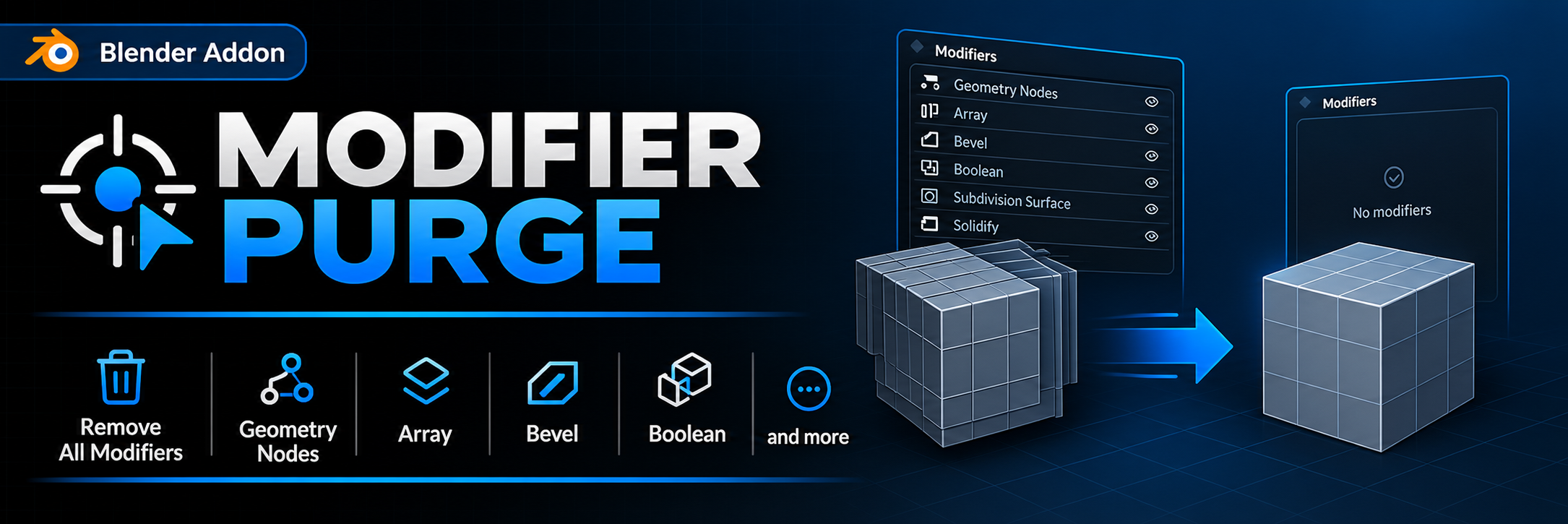
Modifier Purge
A downloadable Blender Addon
Modifier Purge — fast modifier cleanup for Blender
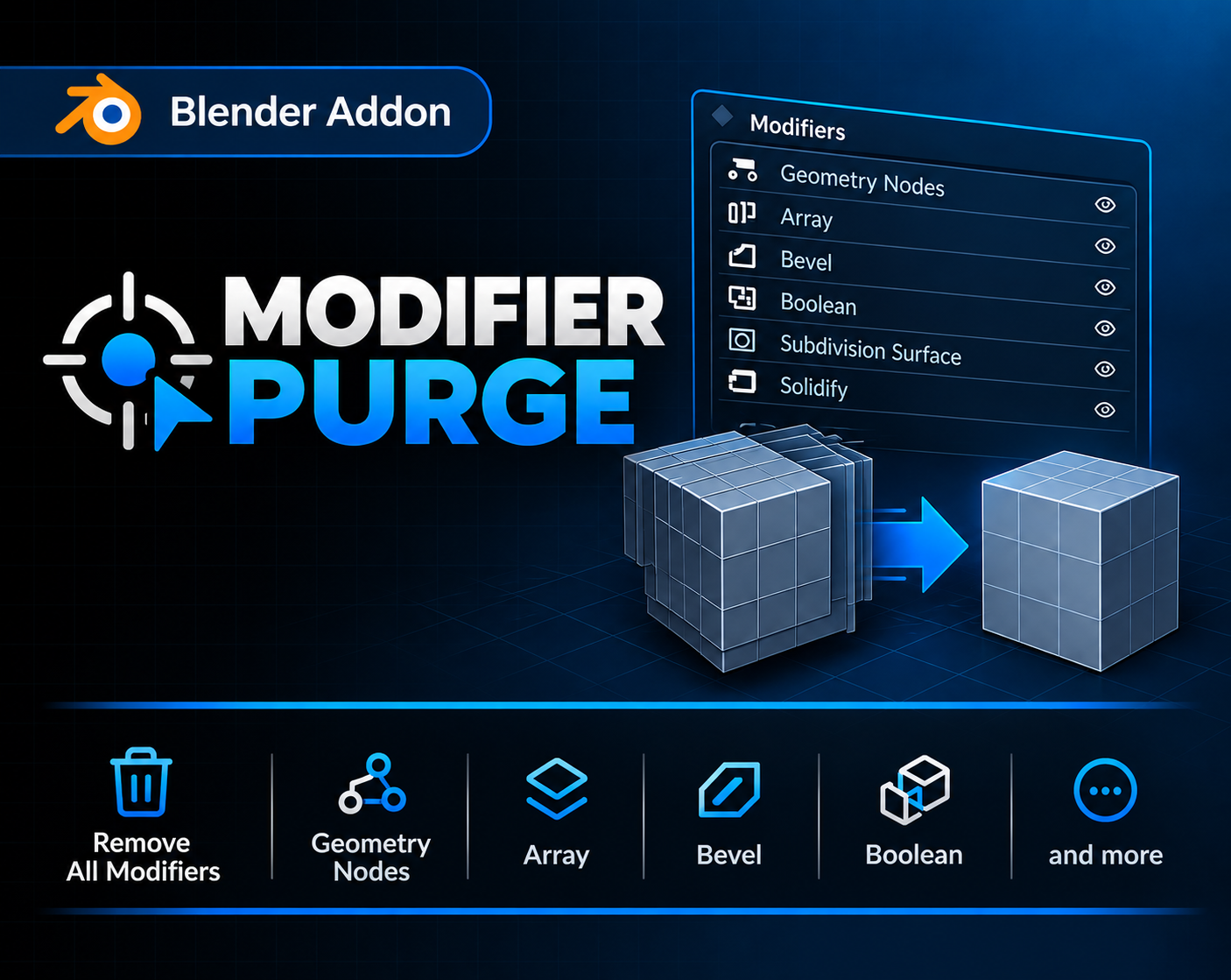
Tired of manually removing dozens of modifiers? Modifier Purge does it in a single click.
The add-on adds a handy panel to the 3D Viewport's N Panel, where you can instantly remove all modifiers of a specific type from every selected mesh object — or wipe all modifiers at once with one button.
✨ Features
- 🗑️ Remove All — deletes every modifier from all selected objects.
- 🎯 Selective removal by modifier type — 14 popular types supported:
- Geometry Nodes
- Array
- Bevel
- Boolean
- Subdivision Surface
- Solidify
- Weld
- Decimate
- Displace
- Shrinkwrap
- Weighted Normal
- Data Transfer
- Triangulate
- Mirror
- ↩️ Full Undo support — every action can be reverted with Ctrl+Z.
- 🧩 Lightweight & simple — no clutter, works right after installation.
- 🧼 Clean scenes — perfect for prepping models for export, baking, or simulation.
- ⚡ Time saver — batch-process every selected object in one click.
🖱️ How to use
- Select one or more mesh objects.
- Open the Modifier Purge panel in the N Panel.
- Click the button for the modifier you want to remove — or hit Remove All to clean everything at once.
🧾 Compatibility
- Blender 4.5 and newer (tested only on version 4.5)
- Works with Mesh objects only.
━━━━━━━━━━━━━━━━━━━━━━━━━━━━━━━━
Modifier Purge — быстрая очистка модификаторов в Blender
Устали вручную удалять десятки модификаторов с объектов? Modifier Purge решает это одним кликом.
Аддон добавляет удобную панель в N-панель 3D-вьюпорта, где вы можете мгновенно удалить все модификаторы определённого типа со всех выделенных mesh-объектов — или сразу все модификаторы одной кнопкой.
✨ Возможности
- 🗑️ Remove All — удаляет все модификаторы со всех выделенных объектов.
- 🎯 Выборочное удаление по типу модификатора — 14 популярных типов:
- Geometry Nodes
- Array
- Bevel
- Boolean
- Subdivision Surface
- Solidify
- Weld
- Decimate
- Displace
- Shrinkwrap
- Weighted Normal
- Data Transfer
- Triangulate
- Mirror
- ↩️ Полная поддержка Undo — любое действие можно откатить через Ctrl+Z.
- 🧩 Простой и лёгкий — никаких лишних настроек, всё работает сразу после установки.
- 🧼 Чистая сцена — идеально для подготовки моделей к экспорту, запеканию или симуляции.
- ⚡ Экономия времени — массовая обработка всех выделенных объектов за один клик.
🖱️ Как пользоваться
- Выделите один или несколько mesh-объектов.
- Откройте панель Modifier Purge в N-панели.
- Нажмите кнопку нужного модификатора — или Remove All, чтобы удалить всё сразу.
🧾 Совместимость
- Blender 4.5 и новее (протестировано только на версии 4.5)
- Работает только с объектами типа Mesh.
Download
Install instructions
- Download the
.pyfile. - In Blender, go to Edit → Preferences → Add‑ons.
- Click Install… and select the downloaded file.
- Enable the add‑on
- Enjoy it!
━━━━━━━━━━━━━━━━━━━━━━━━━━━━━━━━
- Скачайте
.py файлс этой страницы. - В Blender откройте Edit → Preferences → Add‑ons.
- Нажмите Install… и выберите скачанный файл.
- Включите аддон
- Наслаждайтесь!
Leave a comment
Log in with itch.io to leave a comment.