Mesh Scale Indicator
A downloadable Blender Adddon
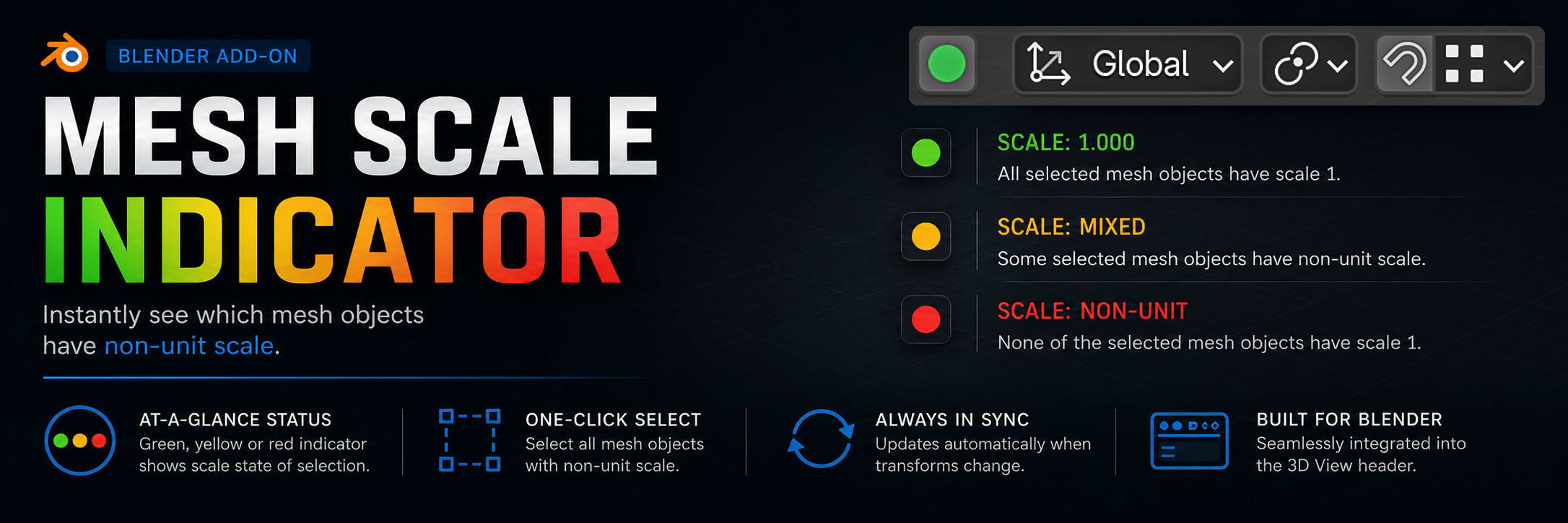
Mesh Scale Indicator - a smart scale status indicator for meshes, placed right in the 3D View header. It displays a color‑coded icon that instantly tells you whether all selected objects have unit scale, and lets you select all non‑unit‑scale meshes with a single click.
Features:
- Color‑coded status icon:
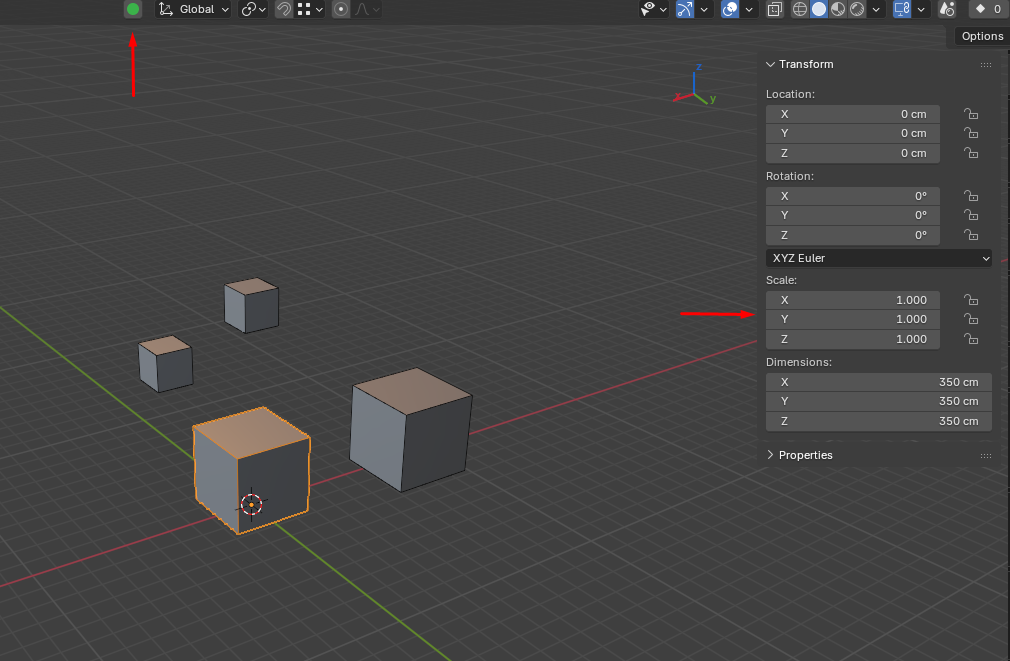
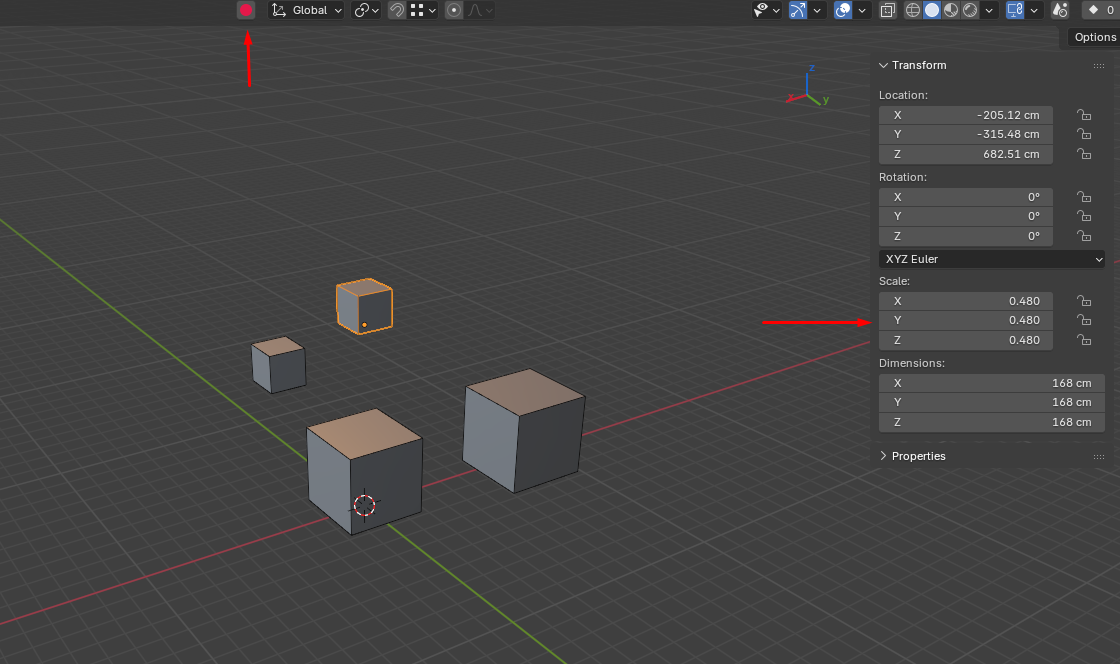
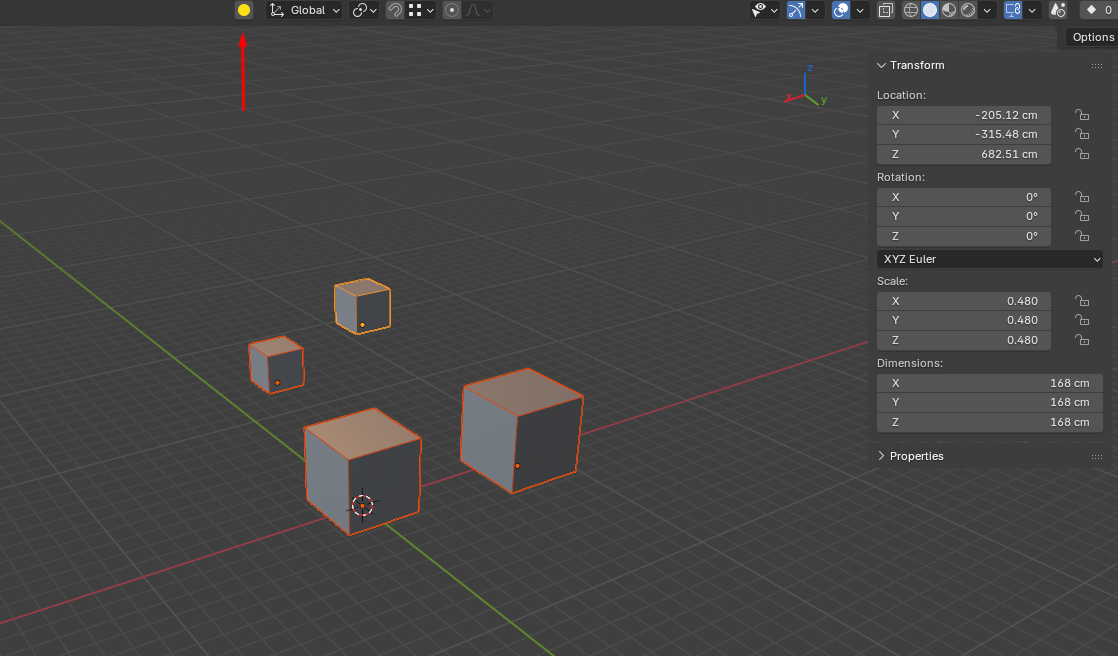
The icon in the View3D header changes color based on the scale of selected meshes:
🟢 Green – all selected objects have scale (1, 1, 1).
🟡 Yellow – mixed scale values among the selection (some unit, some not).
🔴 Red – none of the selected meshes have unit scale.
⚪ Gray – no mesh is selected. - Real‑time updates: The icon refreshes instantly when you scale an object (thanks to the depsgraph handler). No need to reselect – the state stays always up‑to‑date.
- Quick selection button: Clicking the icon selects all mesh objects in the current scene that do not have unit scale. Perfect for quickly finding and fixing objects before export.
- Clean integration: The indicator is placed right inside the standard transform controls block (orientation, pivot, snap, proportional editing), so it doesn't disrupt your usual workflow.
How it works:
SCALE_EPSILON = (SCALE_EPSILON = 1e-5 ) when comparing scale values to 1.0, making the check robust against floating‑point rounding errors. Icons are loaded from the icons folder inside the addon (files green.png, yellow.png, red.png, gray.png).
Notes:
- The addon is built for Blender 4.5 but may work with earlier versions (test for compatibility).
- If you use custom themes, the icon colours remain clearly distinguishable thanks to their high contrast.
━━━━━━━━━━━━━━━━━━━━━━━━━━━━━━━━
Mesh Scale Indicator - Умный индикатор масштаба для мешей прямо в заголовке вьюпорта. Показывает цветную иконку, которая мгновенно сообщает, все ли выделенные объекты имеют Scale=1, а также позволяет одним кликом выделить все меши с отличным от единицы масштабом.
Возможности:
- Цветовой индикатор состояния:
Иконка в заголовке View3D меняет цвет в зависимости от масштаба выделенных мешей:
🟢 Зелёный – все выделенные объекты имеют масштаб (1, 1, 1).
🟡 Жёлтый – среди выделенных есть объекты как с единичным, так и с изменённым масштабом.
🔴 Красный – ни один из выделенных мешей не имеет единичного масштаба.
⚪ Серый – не выделено ни одного меша. - Мгновенное обновление: Иконка обновляется в реальном времени при изменении масштаба объектов (благодаря обработчику depsgraph). Вам не нужно перевыделять объект, чтобы увидеть актуальное состояние.
- Кнопка быстрого выделения: Нажатие на иконку выделяет все меш-объекты в текущей сцене, у которых масштаб отличается от (1, 1, 1). Это удобно для быстрой проверки и исправления масштаба перед экспортом.
- Аккуратная интеграция: Индикатор встроен прямо в стандартную панель элементов управления (ориентация, точка поворота, привязка, пропорциональное редактирование), не нарушая привычный интерфейс.
Как это работает:
Аддон использует небольшую погрешность (SCALE_EPSILON = 1e-5) при сравнении значений масштаба с 1.0, что делает проверку устойчивой к ошибкам округления. Иконки загружаются из папки icons внутри аддона (файлы green.png, yellow.png, red.png, gray.png).
Примечания:
- Аддон разработан для Blender 4.5, но может работать и в более ранних версиях (проверьте совместимость).
- Если вы используете кастомные темы, цвета иконок останутся читаемыми благодаря контрастным оттенкам.
Download
Install instructions
- Download the addon archive.
- In Blender, go to
Edit > Preferences > Add-ons > Install...and select the archive. - Enable "Mesh Scale Indicator".
━━━━━━━━━━━━━━━━━━━━━━━━━━━━━━━━
- Скачайте архив с аддоном.
- В Blender перейдите в
Edit > Preferences > Add-ons > Install...и выберите архив. - Включите аддон "Mesh Scale Indicator".
Leave a comment
Log in with itch.io to leave a comment.