3D Viewport AutoFocus
A downloadable Blender Addon
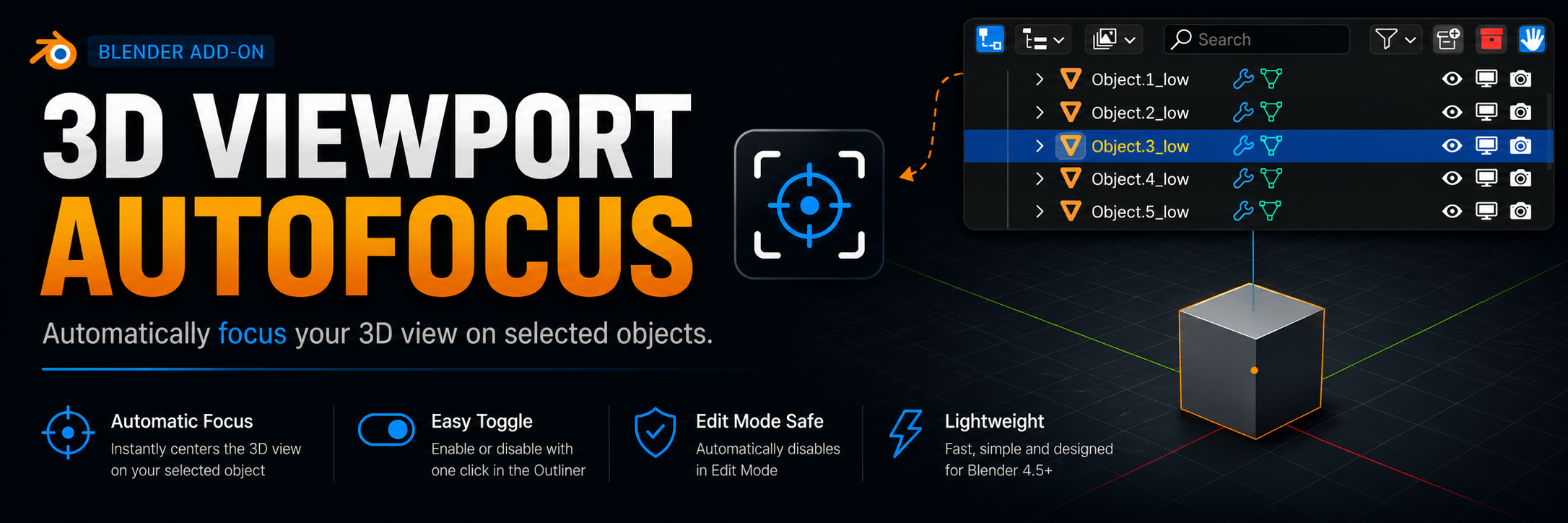
3D Viewport AutoFocus is a lightweight add-on for Blender 4.5+ that automatically frames the 3D viewport on the object you select in the Outliner. No more manual Numpad . or View › View Selected – it happens instantly as you click on any object in the scene list.
How it works
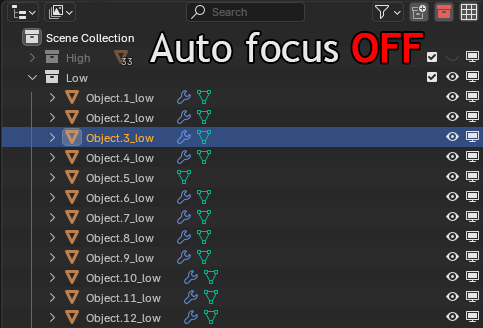
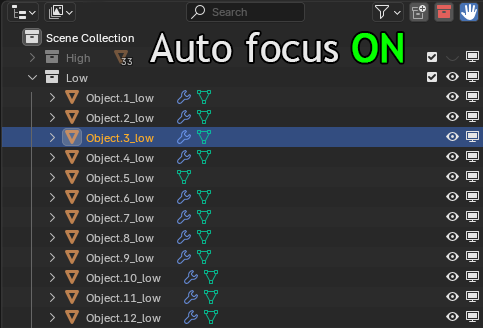
- A toggle button appears in the Outliner header (icon🟦).
- Click it to enable AutoFocus mode.
- While active, every time you select a single object in Object Mode, the viewport will automatically center and zoom on that object.
Features
- One‑click enable/disable directly from the Outliner.
- Instant feedback – focuses with a tiny delay (0.1 sec) to ensure stable context.
- Safe behaviour – automatically disables when you switch to Edit Mode, so it never interferes with your modelling.
- Works with all object types (meshes, curves, armatures, etc.).
Compatibility
- Blender 4.5 and later (tested on 4.5).
Important
- Focusing only triggers when exactly one object is selected. Multiple selections are ignored.
- In Edit Mode the feature is automatically turned off
━━━━━━━━━━━━━━━━━━━━━━━━━━━━━━━━
3D Viewport AutoFocus — это небольшой, но очень удобный аддон для Blender 4.5+, который автоматически перемещает вас к выбранному объекту, что вы выбрали в Outliner. Больше не нужно вручную жать Numpad . или View › View Selected – всё происходит само, как только вы кликаете по объекту в списке сцены.
Как это работает?
- В шапке аутлайнера появляется кнопка с иконкой (🟦).
- Нажмите её — включится режим AutoFocus.
- Теперь каждый раз, когда вы выбираете один объект в режиме Object Mode, вид автоматически центрируется и масштабируется так, чтобы объект оказался в центре.
Особенности
- Один клик – включение/выключение прямо из Outliner.
- Мгновенная реакция – фокусировка происходит с небольшой задержкой (0.1 сек) для стабильной работы.
- Безопасный режим – автоматически отключается при переходе в Edit Mode, чтобы не мешать редактированию.
- Поддерживаются все типы объектов (меши, кривые, кости и т.д.).
Совместимость
- Blender 4.5 и выше (проверялось на 4.5)
Важно
- Фокусировка срабатывает только при выборе одного объекта. В режиме редактирования функция автоматически выключается
Download
Install instructions
- Download the
.pyfile. - In Blender:
Edit → Preferences → Add-ons → Install…, select the downloaded file. - Enable the add‑on
- The button will appear on the right side of the Outliner header.
━━━━━━━━━━━━━━━━━━━━━━━━━━━━━━━━
- Скачайте .py файл .
- В Blender:
Edit → Preferences → Add-ons → Install…, выберите скачанный файл. - Включите аддон
- Кнопка появится в правой части заголовка Outliner.
Development log
- Update 1.18 days ago
Leave a comment
Log in with itch.io to leave a comment.