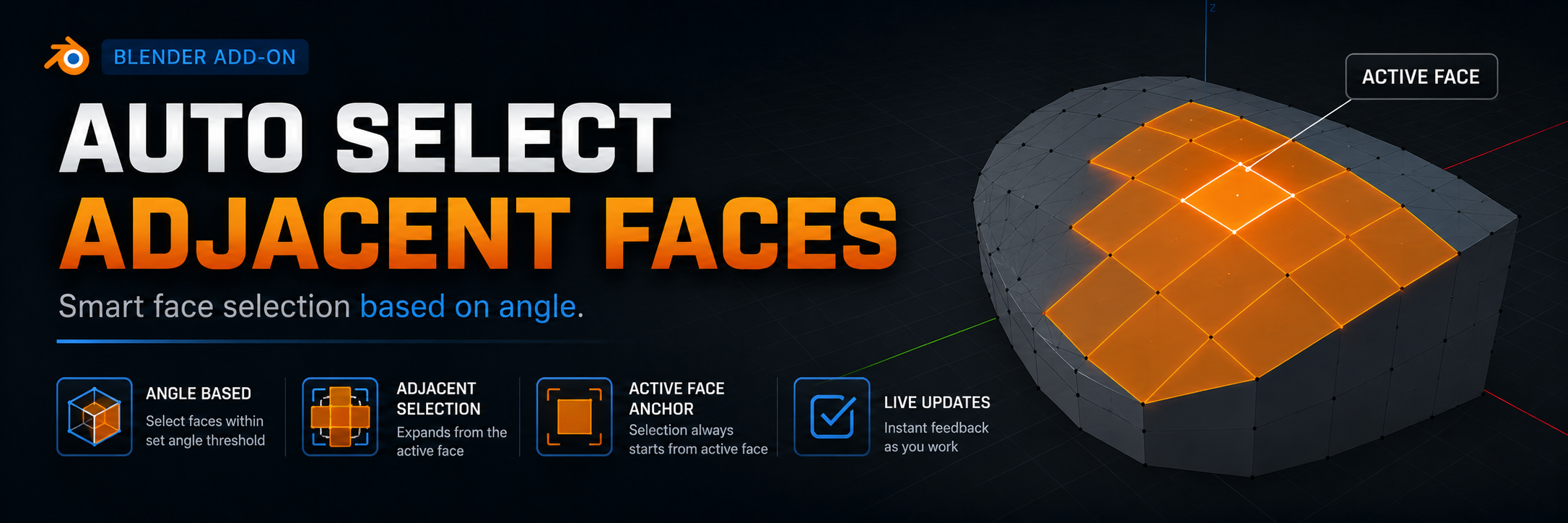
Auto Select Adjacent Faces
A downloadable Blender Addon
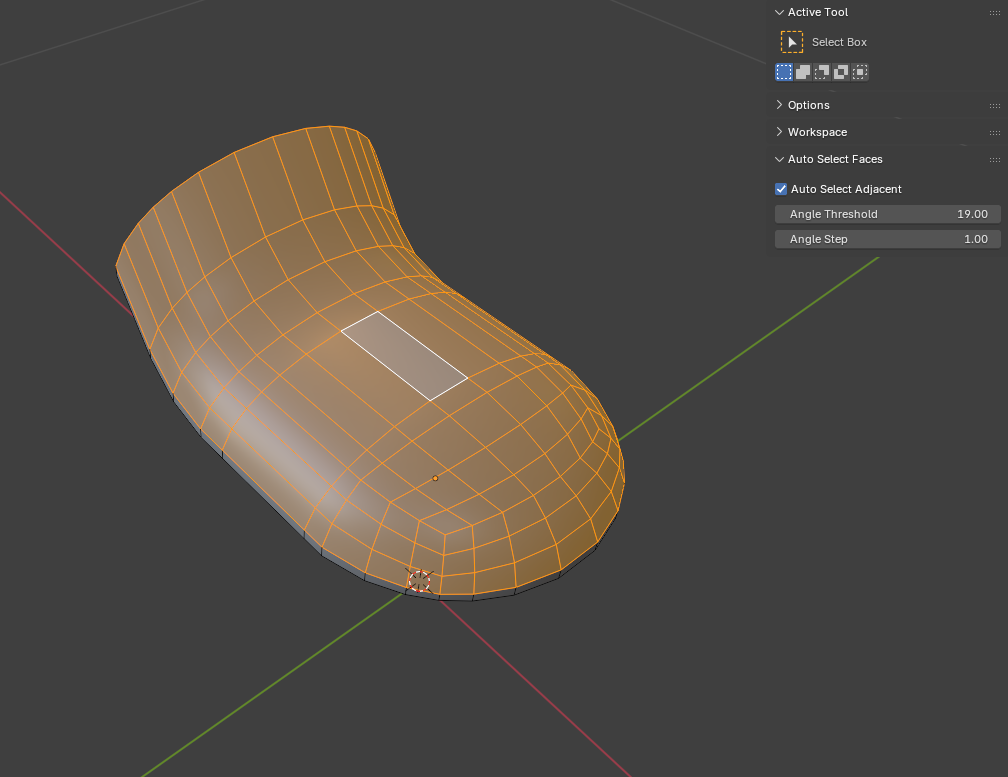
Auto Select Adjacent Faces is a powerful Blender add-on that automatically selects adjacent faces based on an angle threshold. In essence, it is a fully interactive real‑time counterpart to the built‑in Select Flat Faces function, eliminating the need to manually run the operation each time.
Key Features
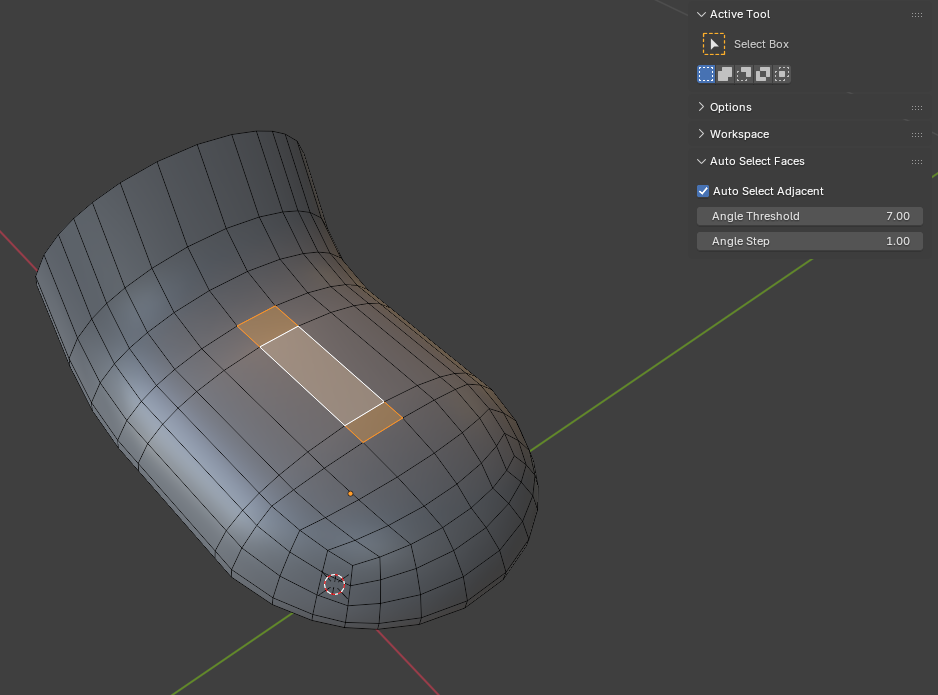
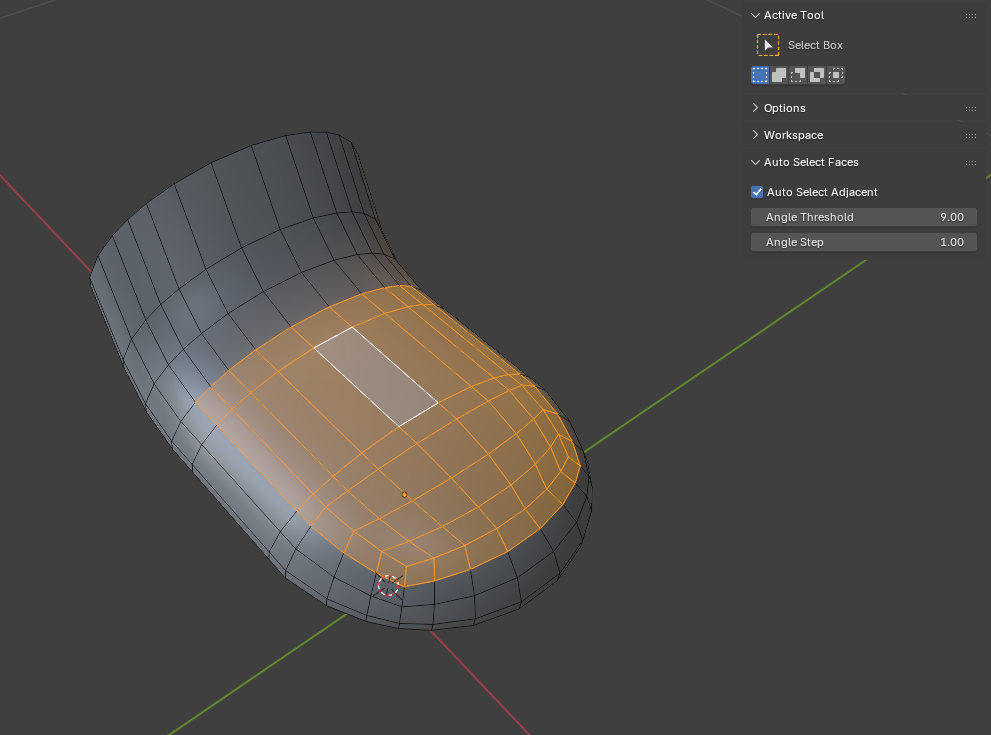
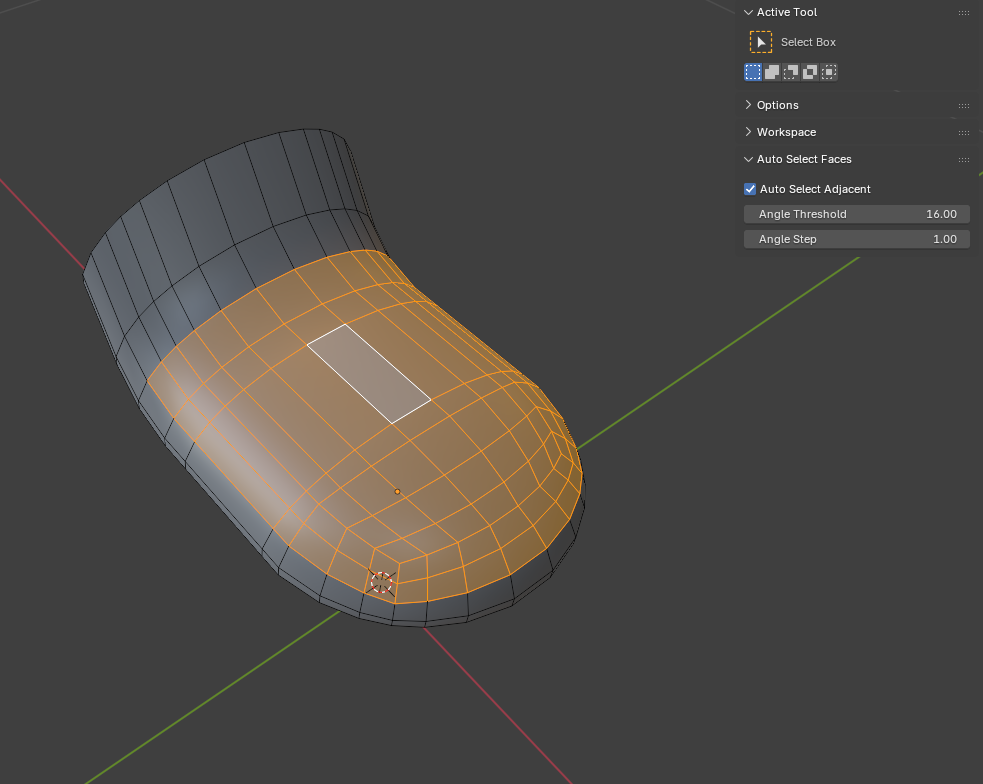
- Automatically selects all faces connected to the active face, provided the angle between their normals does not exceed the specified threshold.
- Interactive mode: as soon as you select a face in Edit Mode, the add‑on instantly expands the selection to all qualifying neighboring faces.
- Adjustable angle threshold in degrees (0–180).
- Smooth threshold adjustment via hotkeys (Ctrl + mouse wheel) without interrupting your workflow.
- Toggle auto‑selection on/off with Ctrl+Shift+A.
- Option to keep the add‑on active when leaving Edit Mode (persistent mode) – it resumes automatically upon re‑entering Edit Mode.
Hotkeys
- Ctrl+Shift+A – toggle auto‑selection on/off.
- Ctrl+Mouse Wheel Up/Down – increase/decrease the angle threshold (works only when auto‑selection is active).
Additional Settings
In the add‑on preferences (in the Preferences window), you can enable "Keep enabled when exiting edit mode" to preserve the auto‑selection state when switching modes.
Compatibility
The add‑on is developed for Blender 3.6 and above. Also tested on 4.5.
━━━━━━━━━━━━━━━━━━━━━━━━━━━━━━━━
Auto Select Adjacent Faces — это мощный аддон для Blender, который автоматически выделяет смежные фейсы, основываясь на пороге угла между ними. По сути, это полноценный интерактивный аналог встроенной функции Select Flat Faces, но работающий в реальном времени.
Основные возможности
- Автоматическое выделение всех фейсов, соединённых с активным фейсом, у которого угол между нормалями не превышает заданного значения.
- Интерактивный режим: как только вы выбираете грань в режиме редактирования, аддон мгновенно подхватывает выделение и расширяет его на все подходящие соседние грани.
- Настройка порога угла в градусах от 0 до 180.
- Плавная регулировка порога с помощью горячих клавиш (Ctrl + колёсико мыши) без прерывания работы.
- Возможность включения/выключения авто-выбора горячей клавишей Ctrl+Shift+A.
- Сохранение состояния при выходе из режима редактирования (опционально) — после возврата в режим редактирования аддон продолжает работать.
Горячие клавиши
- Ctrl+Shift+A — включить/выключить автоматическое выделение.
- Ctrl+Колёсико мыши вверх/вниз — увеличить/уменьшить порог угла (работает только при включённом авто-выделении).
Дополнительные настройки
В настройках аддона (в окне Preferences) можно включить опцию "Keep enabled when exiting edit mode", которая позволяет сохранять активное состояние авто-выбора при переключении между режимами.
Совместимость
Аддон разработан для Blender 3.6 и выше. Также протестирован на версии 4.5.
Download
Install instructions
- Download the
.pyfile - In Blender, go to Edit → Preferences → Add‑ons, click Install... and select the downloaded file.
- Enable the add‑on by ticking the checkbox.
- In Edit Mode, open the N‑panel (press N) and switch to the Tool tab – you will see the "Auto Select Faces" panel.
- Toggle on "Auto Select Adjacent", adjust the Angle Threshold and Angle Step as needed.
- Now, whenever you select a face, the selection will automatically expand to all adjacent faces whose angle is below the threshold.
━━━━━━━━━━━━━━━━━━━━━━━━━━━━━━━━
- Скачайте файл
.py - В Blender перейдите в Edit → Preferences → Add-ons, нажмите Install... и выберите скачанный файл.
- Активируйте аддон, поставив галочку.
- В режиме редактирования откройте N-панель (клавиша N) и перейдите на вкладку Tool — там появится панель "Auto Select Faces".
- Включите переключатель "Auto Select Adjacent", настройте порог угла (Angle Threshold) и шаг изменения (Angle Step).
- Теперь при выборе любой грани выделение автоматически расширится на все смежные грани, угол между которыми меньше заданного порога.
Leave a comment
Log in with itch.io to leave a comment.